

How to update ECDIS charts without a USB stick
This is how to update ECDIS charts with DIDI Chart — the full sequence, from the moment your supplier publishes new data to the moment the ECDIS has it, and what happens at each handover.
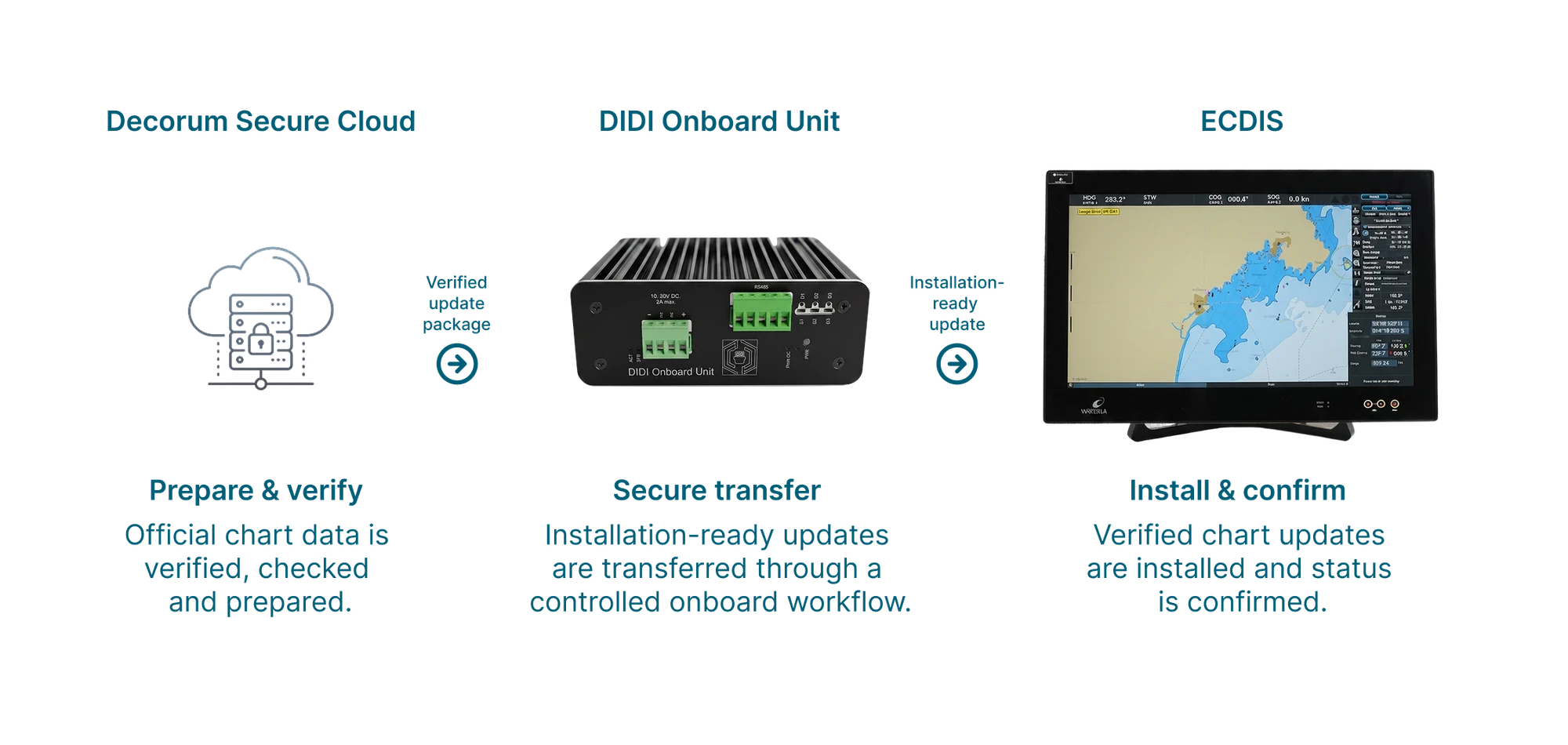
Six stages, none of them manual
Nobody on board or ashore has to start or watch any of this. The sequence runs on its own right up to the ECDIS and reports the result — only the final install is the crew's call.
New charts are published
As soon as your chart supplier releases new data, DIDI knows about it. Nobody on board or ashore has to watch for it.
Collected and prepared
The new chart files are fetched automatically and prepared for installation — no downloads for your team to manage.
Checked before it moves
Every file is checked against the supplier's own values, so nothing incomplete or altered goes any further.
Brought aboard on its own
The onboard unit collects the update by itself, and keeps going on slow or intermittent connections until it has everything.
Checked again on board
The files are checked a second time on the ship, confirming the update arrived complete and untouched.
Ready at the ECDIS
The ECDIS is handed a ready-to-install update through its normal interface, the crew decides when it goes on, and the result is recorded for your records.
The four things people actually ask about
The mechanism behind the six stages — verification, poor connectivity, why nothing can reach the ECDIS from outside, and what the fleet looks like from ashore.
Every stage above leaves a record — that record is the evidence
Nothing here is a separate compliance feature. The sequence runs, and it leaves a receipt: date, vessel, result. That is what IMO MSC.428(98), EU NIS2, BIMCO Cyber Security Clause, OCIMF TMSA 3 each expect an operator to be able to produce — an automated, verified path, and proof it ran.
What each regime asks for, and the full specifications
Want to see it running on one of your vessels?
Tell us your ECDIS make and how your ships are connected. We will walk through exactly how the update path would look on board.